

What it adds
- Replay all of your history. Watch your map fill in from your first walk to today. The last 30 days play free.
- Home map widget. The fog around home, or any place you track, on your Home Screen.
- Night map. The atlas inked in reverse, for evenings.
- Chart map. A nautical chart: depth soundings, a white sea, buff land.
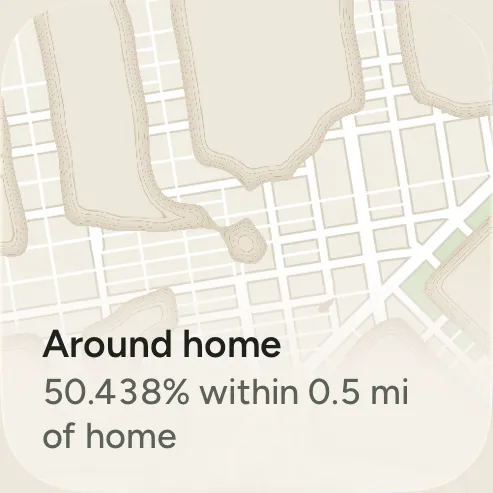
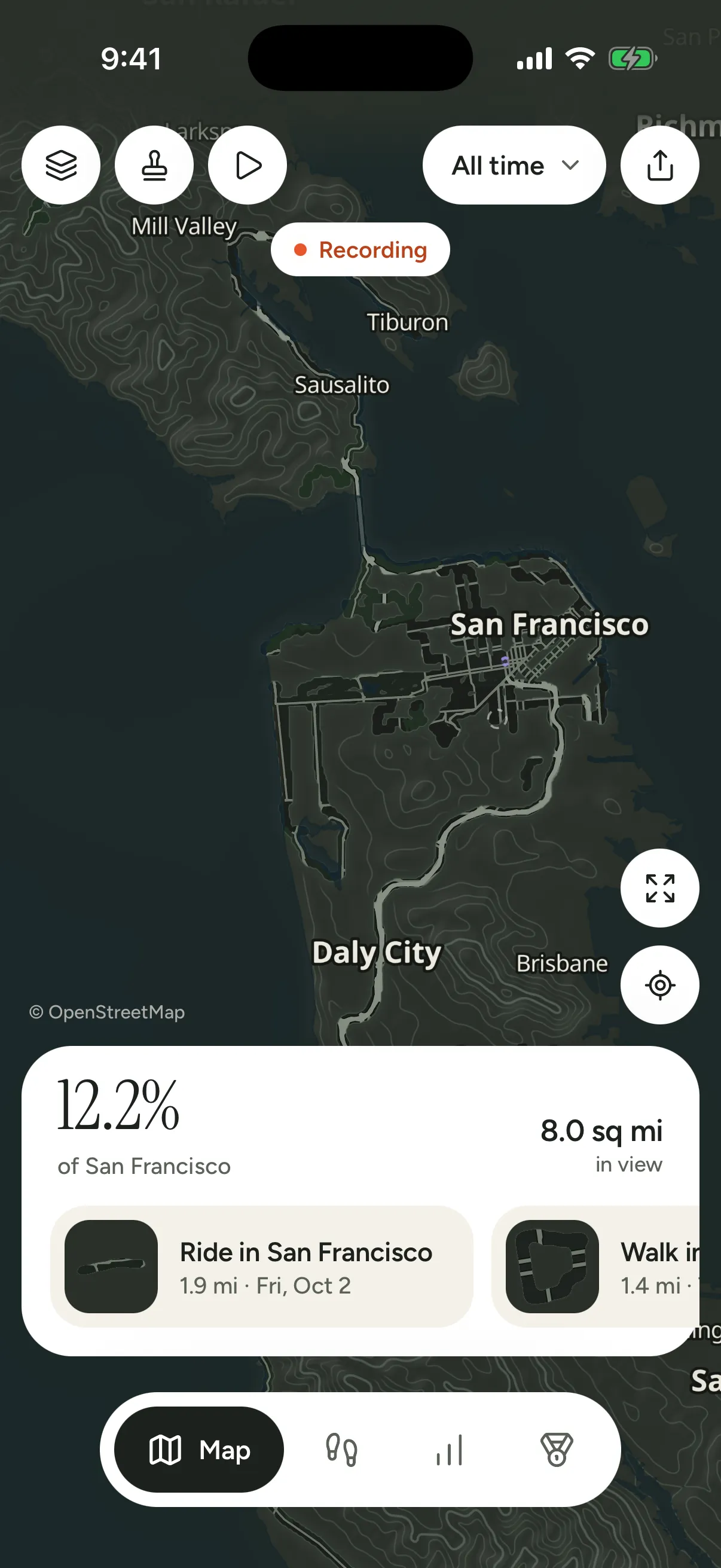
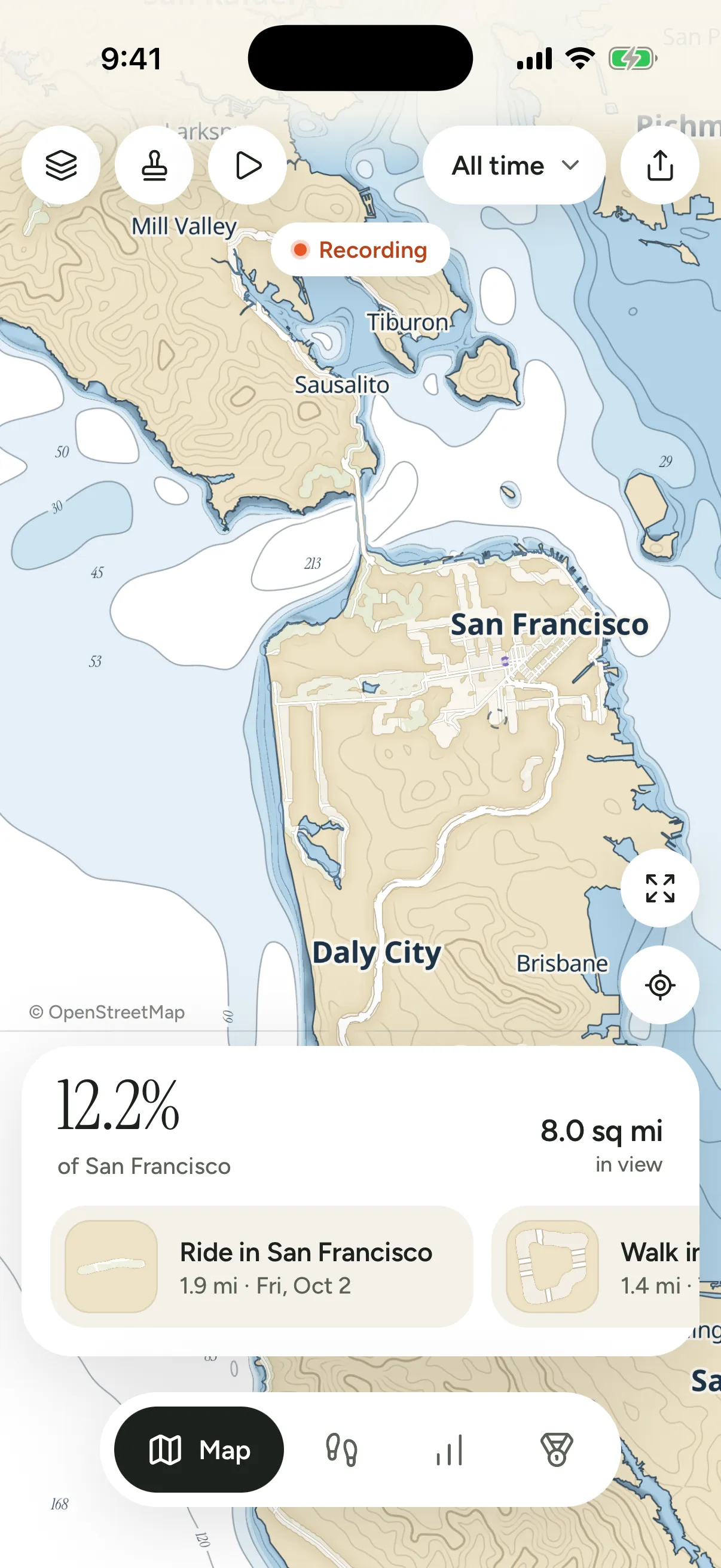
The Home map widget comes small, medium or large, around your home or a place you track; the large one adds the town's name, a scale bar, the circle's size and the week's new ground, and it catches up after a walk without opening Waymark. Without Plus, Replay plays the last 30 days of your history, and can share them as a video; Plus plays all of it. The sample atlas, offered the first time you open Waymark, plays whole for everyone.
It's a look, never your data. Everything that records, imports, exports and measures is free, forever:
- The fog and explored ground
- Recording with your iPhone
- Record automatically
- Every import: photos, Health, files, Google Timeline, Fog of World
- Export to GPX, CSV and JSON
- Levels and medals
- The scratch map
- Share cards
- The passport, by year and month, and sharing it
- Replay of the last 30 days, and its video
- The Atlas map
- Streak, Progress and City widgets
Buying it
- Open Settings › About › Waymark Plus, or tap anything with the small gold Plus mark, like the Night map in the map's options or the "Last 30 days" line under a replay.
- Buy it through the App Store. The price shown is the one for your country.
- If you tapped an option to get there, it's applied straight away.
Purchases go through Apple. Waymark never learns who you are or how you paid, and there's no Waymark account to make.
If someone in your family approves purchases for you with Ask to Buy, Waymark says Waiting for approval until they do, and turns Plus on when they have.
Restoring it
On a new iPhone, or after reinstalling, open Settings › About and choose Restore purchase. It's in the Plus sheet too. The App Store may ask you to sign in with the Apple Account you bought it with.
Family Sharing
Plus is shared with everyone in your Family Sharing group. On their iPhones, Settings says Shared with you through Family Sharing. If you buy it yourself as well, your own purchase is the one that counts.
Refunds
Apple handles refunds: go to reportaproblem.apple.com. If Plus goes away, after a refund or on leaving a family that shared it, the map goes back to the Atlas map, and remembers the look you'd chosen for if Plus comes back. Your journeys, fog and numbers never change either way.